Plans & room QR codes01
The right sheet. The right room.
Upload your plan set. Review the room assignments, then give every trade a clear place to find the drawings they need.
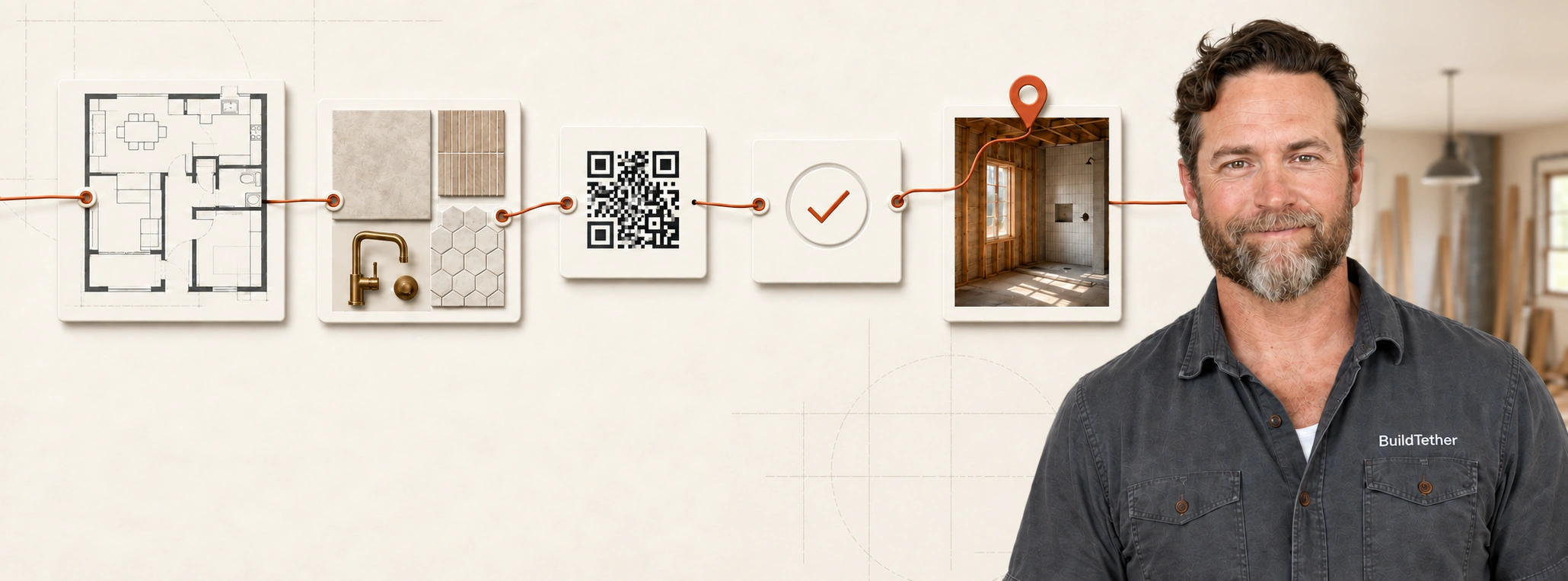
THE SYSTEM BEHIND A CONNECTED JOBSITE
Plans, specs, photos and job notes—organized by room and ready when someone asks. Scan a code or share a link. Spend less time chasing details and more time running the job.
Plans from $24/month after your trial. See pricing and terms.
NOT JUST A CODE. THE SYSTEM BEHIND IT.
A QR code is the doorway. BuildTether organizes what’s on the other side.
Upload your plan set. Review the suggested rooms and sheets, then save the details where your crew needs them.
For example, an electrician can open the bathroom’s lighting plans and fixture details without searching the entire set.
Keep the same printed code. Share current approved details with trades and clients as the build moves forward.
FROM THE FIRST PLAN TO THE FINAL HANDOFF
Less searching, sorting and typing. More answers on the job.
Upload your plan set. Review the room assignments, then give every trade a clear place to find the drawings they need.
Enter a fixture or appliance model. Find its manufacturer specs and installation instructions, then save them with the room.
Take photos and speak your notes while you walk the job. Review the room-by-room record before sharing it.
Mark up a plan or photo, add the instruction and keep the original. Share the detail with the people doing the work.
Update the schedule and record the day’s work, deliveries and delays. Keep the dates and the reasons together.
Share the plans, photos and updates your team or client needs. You choose what each person can see.
Edit any detail and choose what your crew and clients can see.
DIFFERENT ROLES. ONE CONNECTED BUILD.
Keep the scope, room information and field updates connected. Give your team somewhere to find the answer before another call or text.
Organize room selections, fixtures, finishes and specifications so the people installing them can find the information that matters.
Scan a room code or follow a shared link. See the plans, photos and updates made available to you—without downloading an app just to view them.
THE PURPOSE BEHIND BUILDTETHER
“Can you send me
the specs?”
I built BuildTether around something I kept running into on my own jobs: the information was there, but finding the right sheet, specification or last conversation took too much time.
I’m Andy Edwards, the builder behind Standard West Builders. BuildTether brings those details together so contractors, designers and trades can spend more time doing the work.
Meet Andy and read our story →SEE BUILDTETHER IN ACTION
See how plans, product specs, field notes and schedules come together in one connected jobsite system. A four-minute walkthrough, from a contractor’s perspective.
START WITH ONE PROJECT
Independent QR tools are always free. Try the connected management system free for 30 days.
Just need a free QR code? →A FEW THINGS WORTH KNOWING
A shared place for the working details of a build. Organize plans, product manuals, photos, notes and schedules by room, then give your team or client a QR code or link to the information they need.
No. They can use a normal phone camera or open a shared link to view the information you have made available. Team members sign in to contribute, and you control what clients and visitors can see.
Update the published information behind the room QR code. The printed code stays in place, and the next scan opens the current published details.
Yes. Designers can participate as Team Members, helping keep selections, product details, photos and room notes connected to the build. Access depends on the permissions assigned by the project administrator.
No. AI helps organize documents, prepare notes, flag potential discrepancies and draft schedules. The contractor reviews the information, finalizes the details and decides what to publish.
Independent QR tools are always free. Management has a 30-day trial with a payment card, then renews at the selected plan price. Founder pricing starts at $24 per month while the subscription stays active. Cancel anytime. Cancel before the trial ends and you won’t be charged.